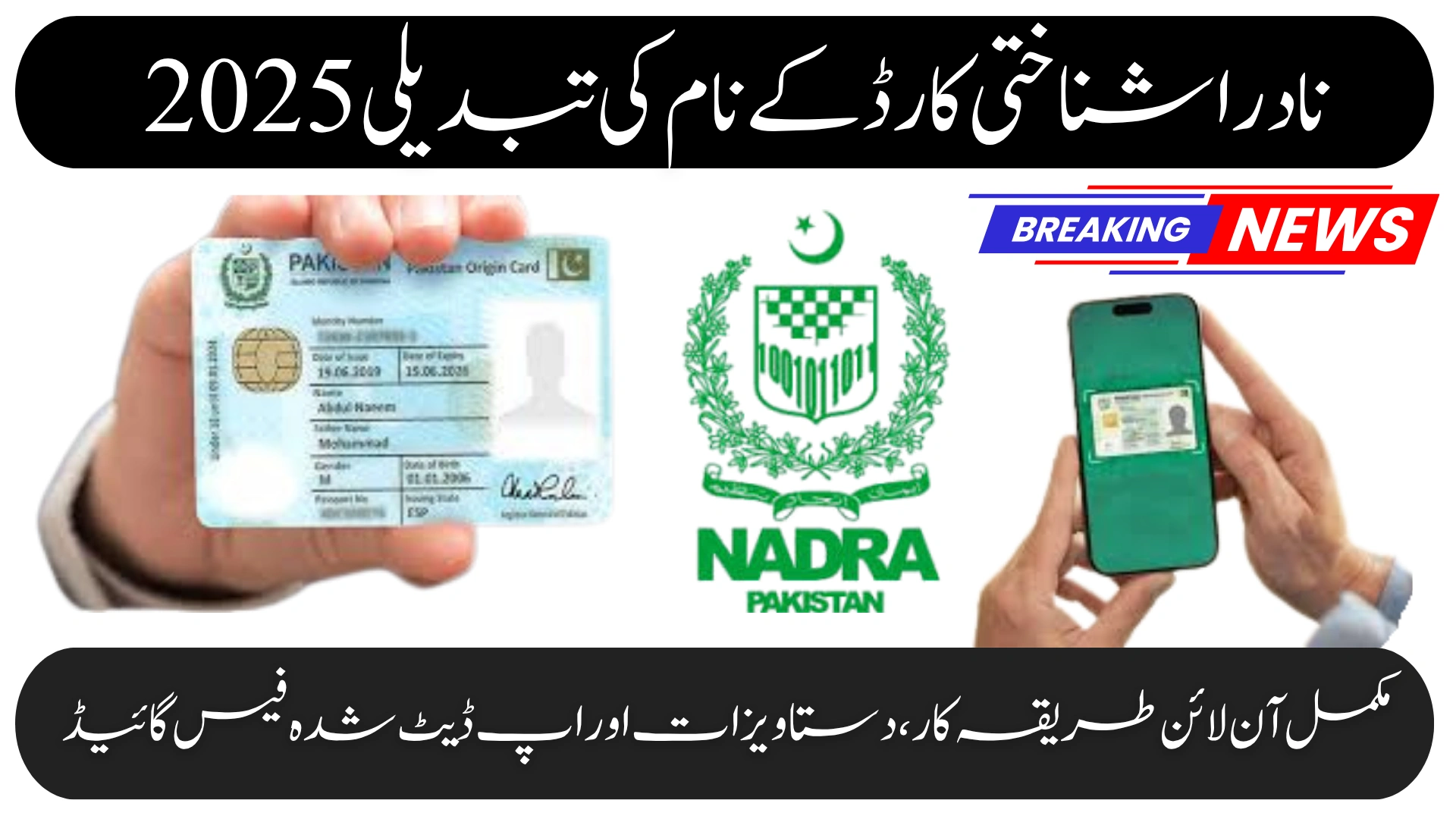
NADRA Identity Card Name Change 2025 – Complete Online Procedure Documents & Updated Fee Guide
Updating your name on your NADRA CNIC is now easier than ever. Whether you need to correct a spelling mistake, update your name after marriage, or change it legally, NADRA offers a smooth online and offline process to help every citizen keep their identity record accurate.
In this detailed guide, you’ll learn the full NADRA name change procedure, required documents, fees, and step-by-step instructions to apply without errors.
Why You May Need to Change Your Name on NADRA CNIC
Even a small mistake in your CNIC name can create problems later in:
-
Passport issuance
-
Bank account verification
-
Educational documents
-
Government applications
-
Property and inheritance records
Many citizens request a name change because of:
-
Marriage-related updates
-
Spelling corrections
-
Legal name changes
-
Religious or cultural reasons
-
Adopting a new surname
Keeping your NADRA record accurate ensures smooth verification across all official platforms.
How to Apply Online for NADRA Name Change (2025 Guide)
NADRA allows you to complete the entire name change process online through the Pak ID Portal, without visiting any office.
Follow these steps:
-
Visit the official portal: id.nadra.gov.pk
-
Sign in or create your Pak ID account
-
Select “Modify ID Card – Name Correction”
-
Enter your updated name carefully
-
Upload all required supporting documents
-
Pay the fee online using your preferred method
-
Submit your application and track it through the dashboard
Once processed, NADRA prints your updated CNIC and delivers it to your home address.
Documents Required for NADRA Name Change
Prepare the following documents before applying:
-
Your original CNIC and a clear copy
-
Marriage certificate (for name change after marriage)
-
Court decree/order (for legal name changes)
-
Educational records (for spelling corrections)
-
Affidavit stating the reason for the new name
Make sure all documents clearly show your correct name to avoid delays.
NADRA Name Change Fee in Pakistan (2025 Updated)
Below is the latest fee structure for name modification on a Smart CNIC:
| Card Type | Normal Fee | Urgent Fee | Executive Fee |
|---|---|---|---|
| Smart CNIC | Rs. 400 | Rs. 800 | Rs. 1,600 |
For overseas applicants (NICOP), the fee may be higher due to international shipping charges.
Correcting Name Spelling Through Pak ID Portal
If your issue is only a spelling error, NADRA processes it faster and often requires fewer documents.
You simply need:
-
Matriculation certificate, or
-
Birth certificate
These documents help verify the correct spelling.
How to Apply Offline: NADRA Registration Center (NRC)
If you prefer in-person assistance:
-
Visit your nearest NRC
-
Request the Name Change / Modification form
-
Provide biometrics (fingerprints & photo)
-
Submit all required documents
-
Pay the fee and collect your tracking slip
Use the tracking ID to monitor your application through the online portal or SMS.
How to Check NADRA CNIC Modification Status
You can check your application status using:
1. Pak ID Tracking
Log in to your Pak ID portal to see real-time progress of your application.
2. SMS Tracking
Send your 13-digit CNIC number to 8400 to receive instant status updates.
NADRA Name Change for Overseas Pakistanis (NICOP Users)
Overseas Pakistanis can also update their name online through the NADRA Pak ID portal.
The process includes:
-
Uploading scanned documents
-
Paying the fee online
-
Receiving the updated NICOP at their foreign address
No embassy visit is required.
Important Tips Before Applying
To avoid rejection or delays:
-
Double-check the spelling of your new name
-
Ensure all documents match the updated name
-
Use consistent information across all legal documents
-
Save your Pak ID login details for future modifications
Final Thoughts
The NADRA Identity Card Name Change process in 2025 is fast, secure, and user-friendly. Whether you’re correcting a simple spelling issue or officially updating your surname, NADRA’s online system ensures a smooth experience for every Pakistani citizen.
Keeping your CNIC updated helps avoid verification issues and ensures your personal records remain accurate across all government and private institutions.
FAQs – NADRA Name Change 2025
1. How long does the NADRA name change process take?
Typically, it takes 7 to 15 working days, depending on the verification level and card type.
2. Can I track my application online?
Yes. You can track it via the Pak ID portal or by sending your CNIC number to 8400.
3. Does NADRA call for verification?
In some cases—especially legal name changes—NADRA may call to verify documents or details.